MC09 Side View

MC09

A Precision-Crafted Machine-Control Surface

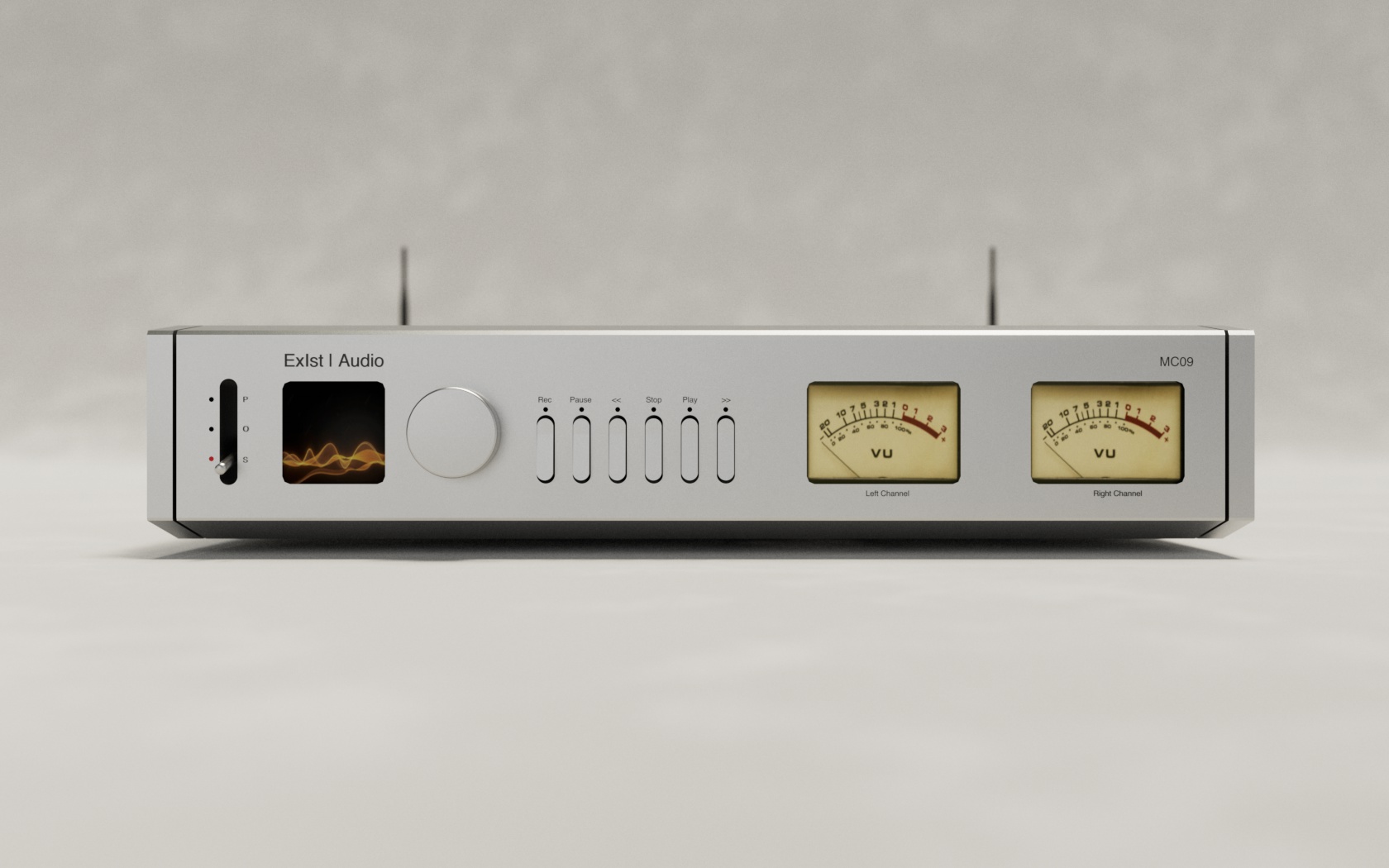
A precision-crafted networked machine-control surface that brings your vintage tape decks into the 21st century. Command every deck via the weighted rotary selector, six soft-touch transport buttons, 1.3" status display, or the 09App — and align your entire fleet with the built-in Precision Tone Generator. Triple Metering (VU + Peak + Spectrum) and Night Mode ambient lighting keep every client in perfect sync.

View Finishes
Interface

One Line. Complete Control.

MC09 Front View

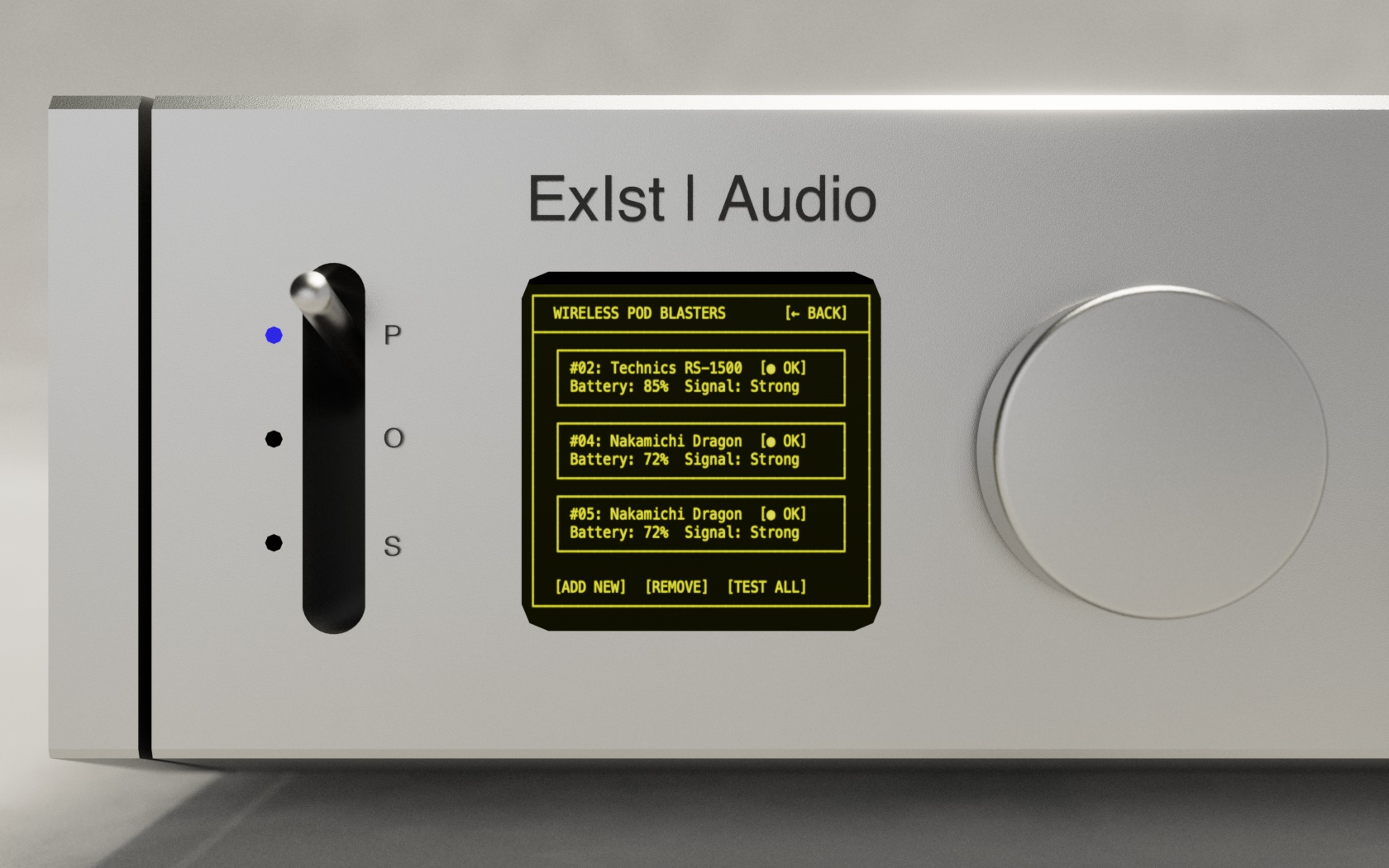
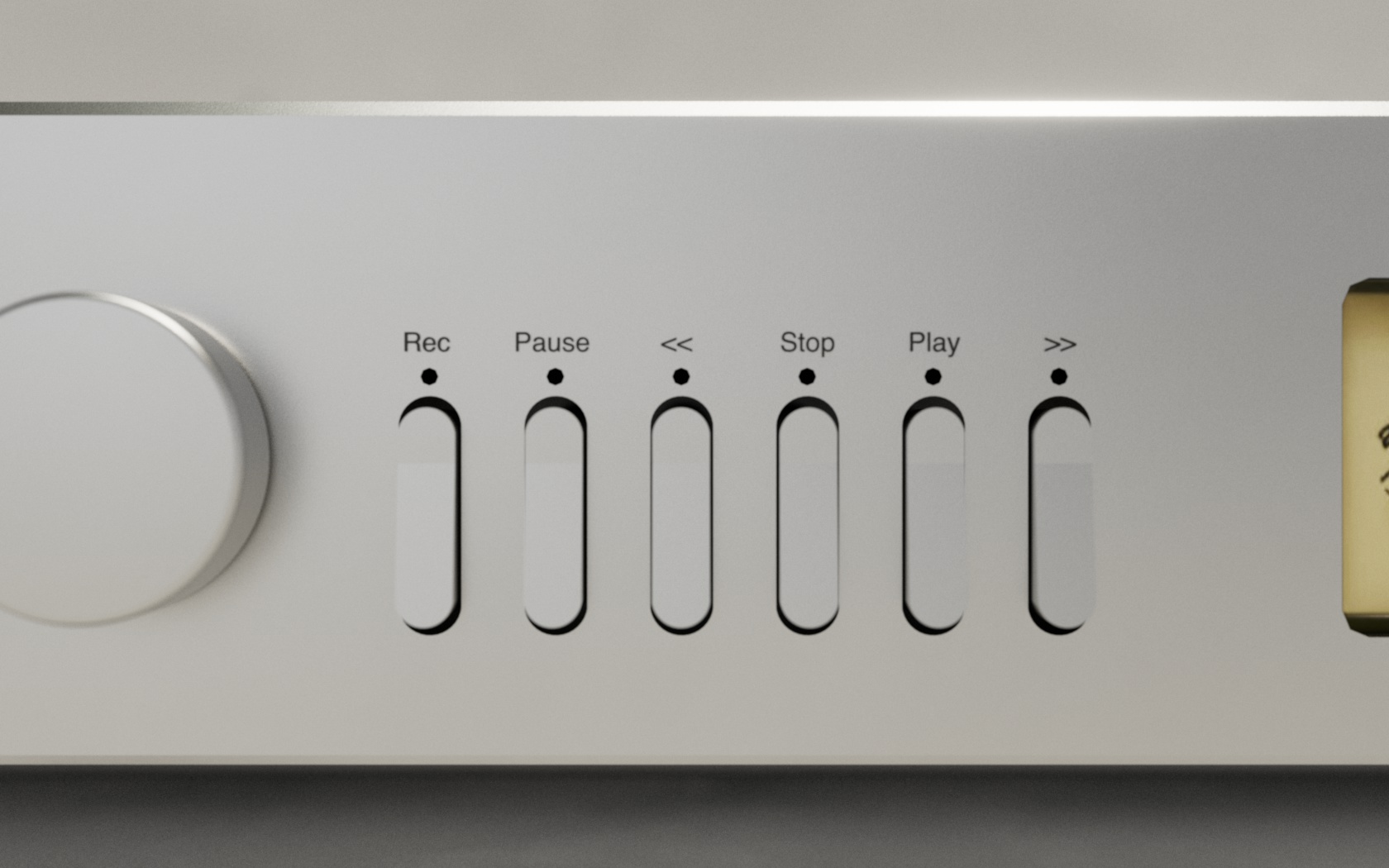
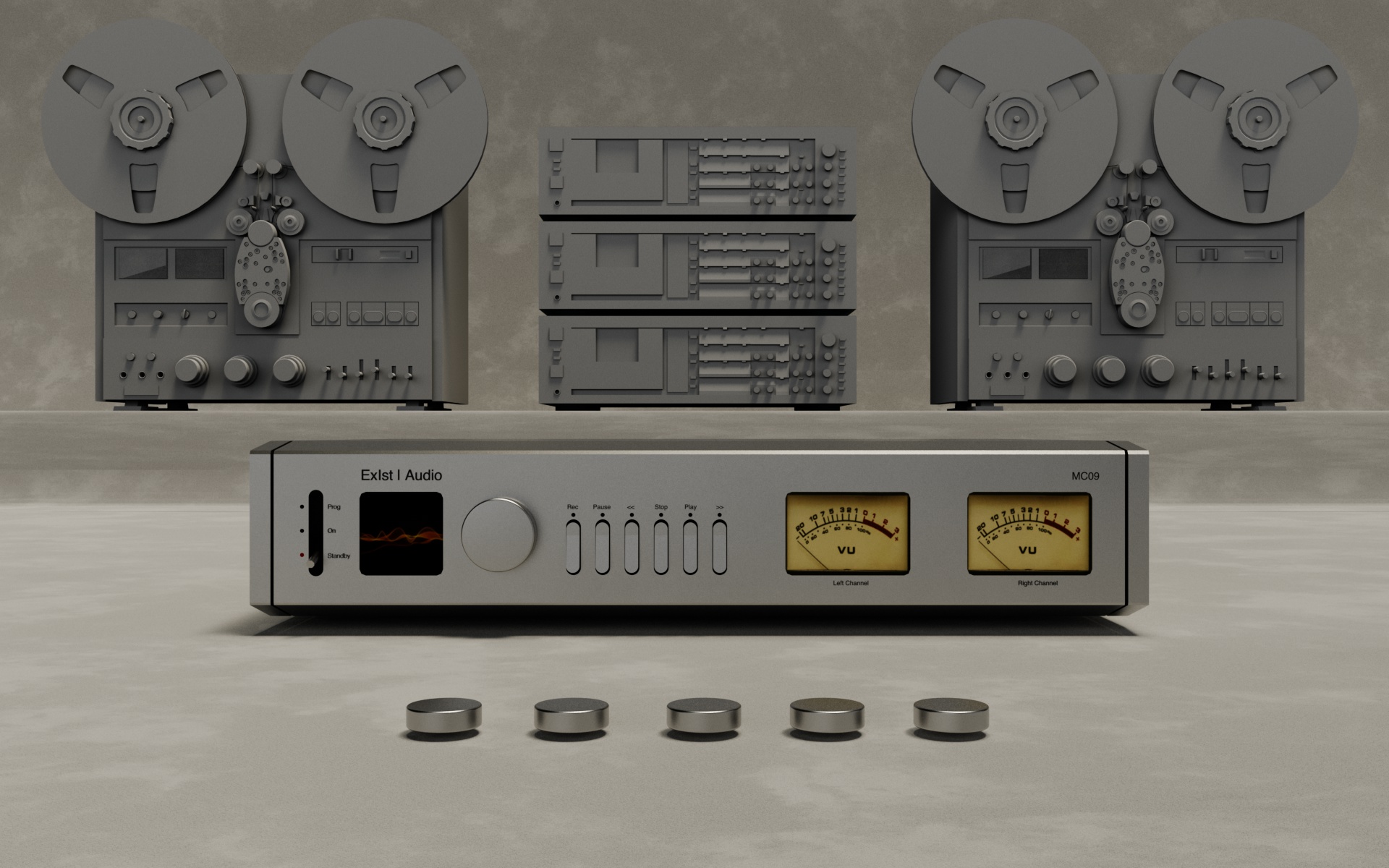
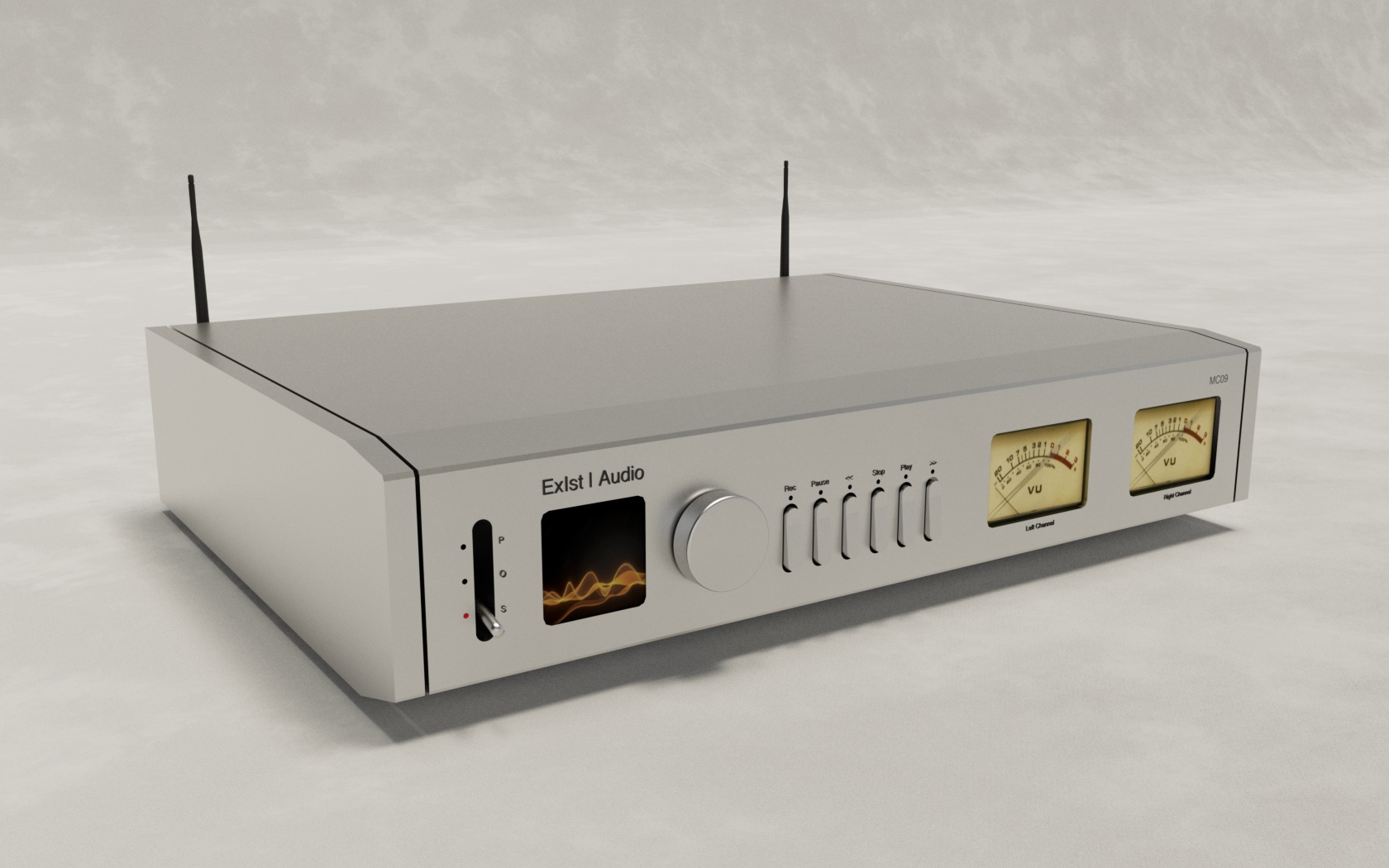
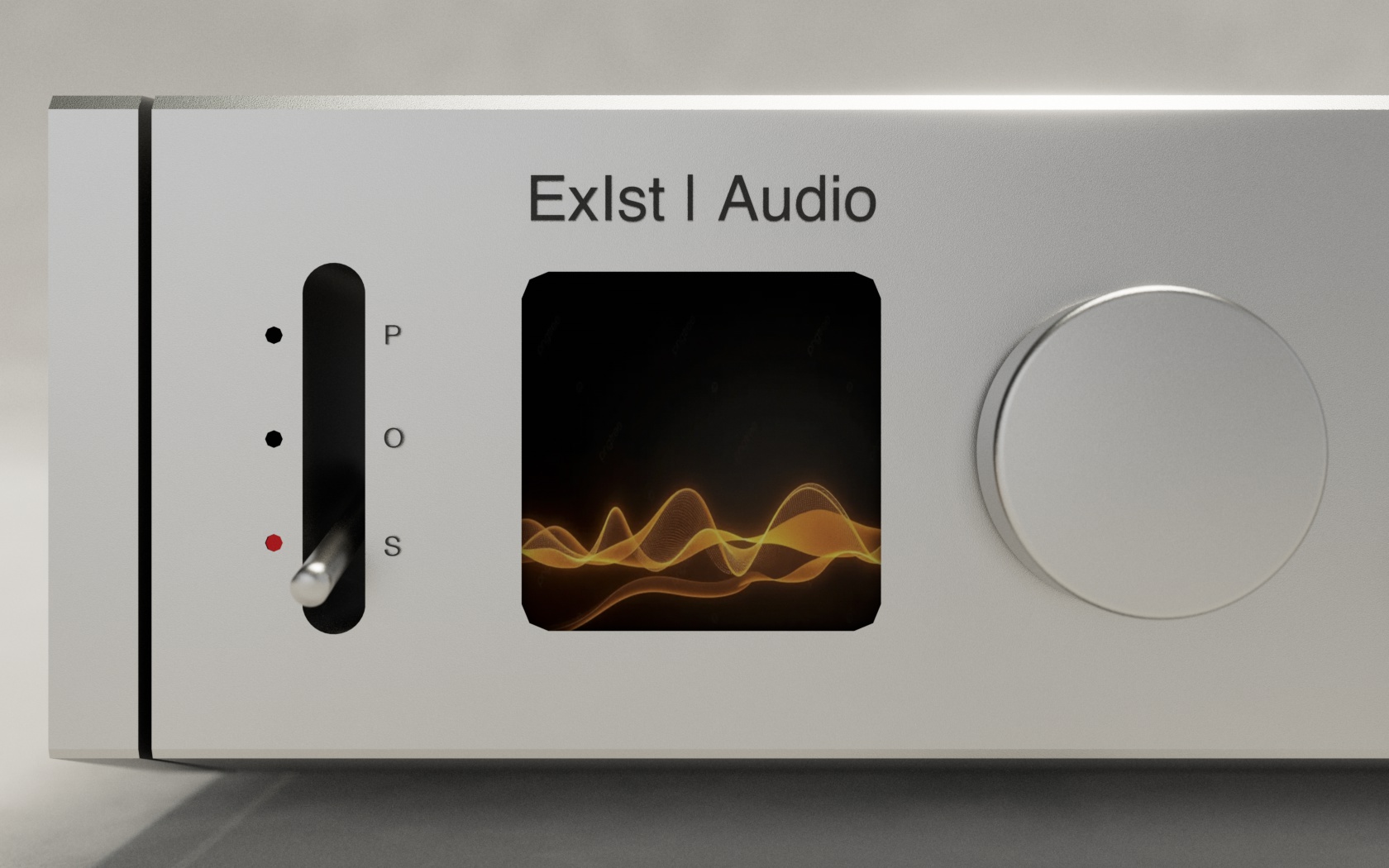
The MC09 blends vintage tactile joy with modern digital intelligence. Its locked single-line horizontal layout follows a deliberate left-to-right workflow: Power → Display → Selection → Transport → Monitoring. A heavy 3-position power lever, a 1.3" touchscreen, a weighted rotary selector, six soft-touch transport buttons and two square analog VU meters sit exactly where your hands and eyes expect them.

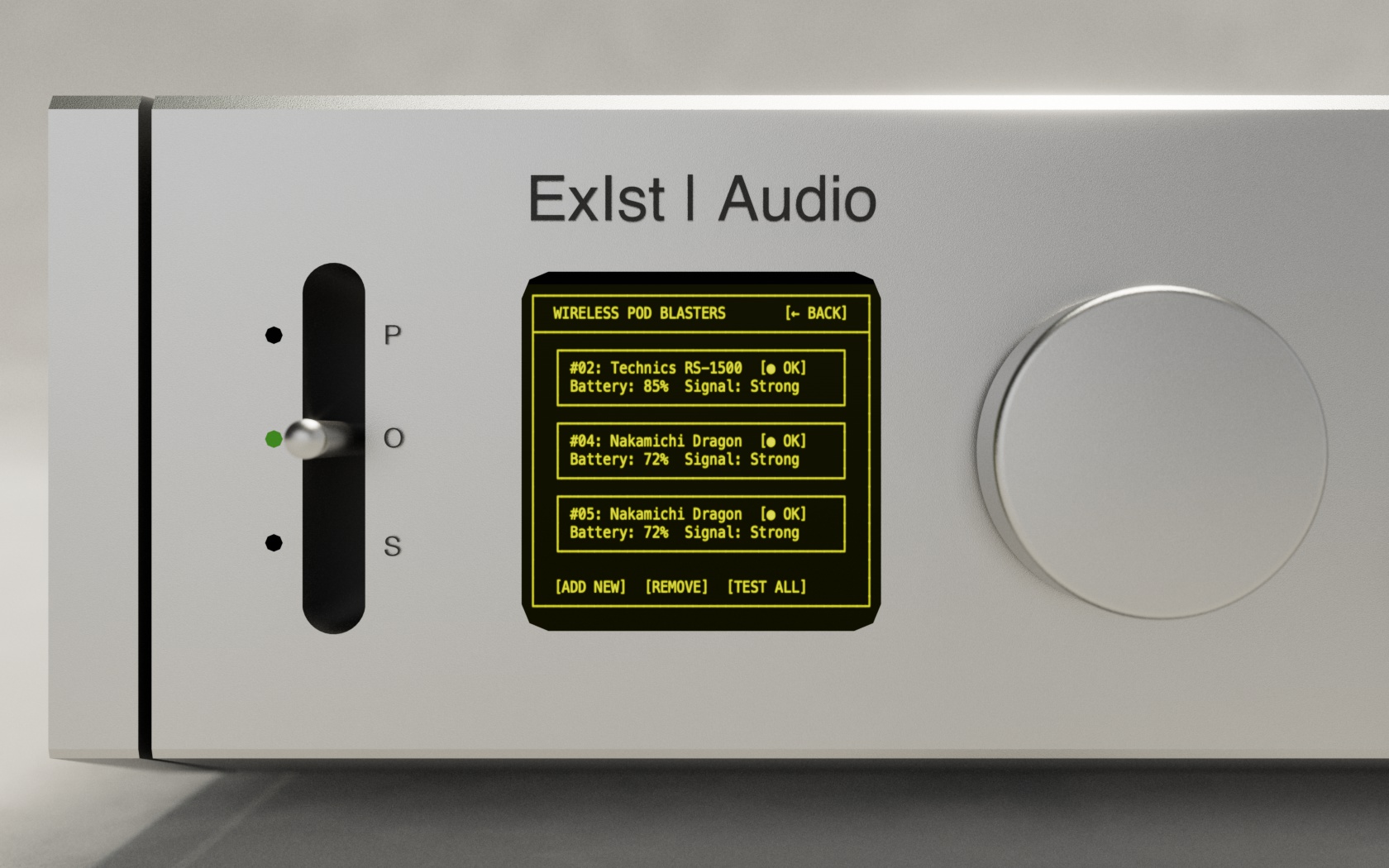
The 1.3" display is a status and navigation surface, not a configuration surface. The weighted rotary encoder is the primary interaction method, cycling through seven focused views. Complex configuration (Scene Editor, Port Configuration, Tone Generator setup, Spectrum configuration, System Settings, Pod Management) is performed exclusively through the 09App.

Operating Modes

MC09 Standby Mode MC09 On Mode MC09 Rotary Select Mode MC09 Program Mode

Button Illumination

MC09 Day Mode Buttons MC09 Night Mode Buttons
Device UI

Knob-Driven. Status-First.

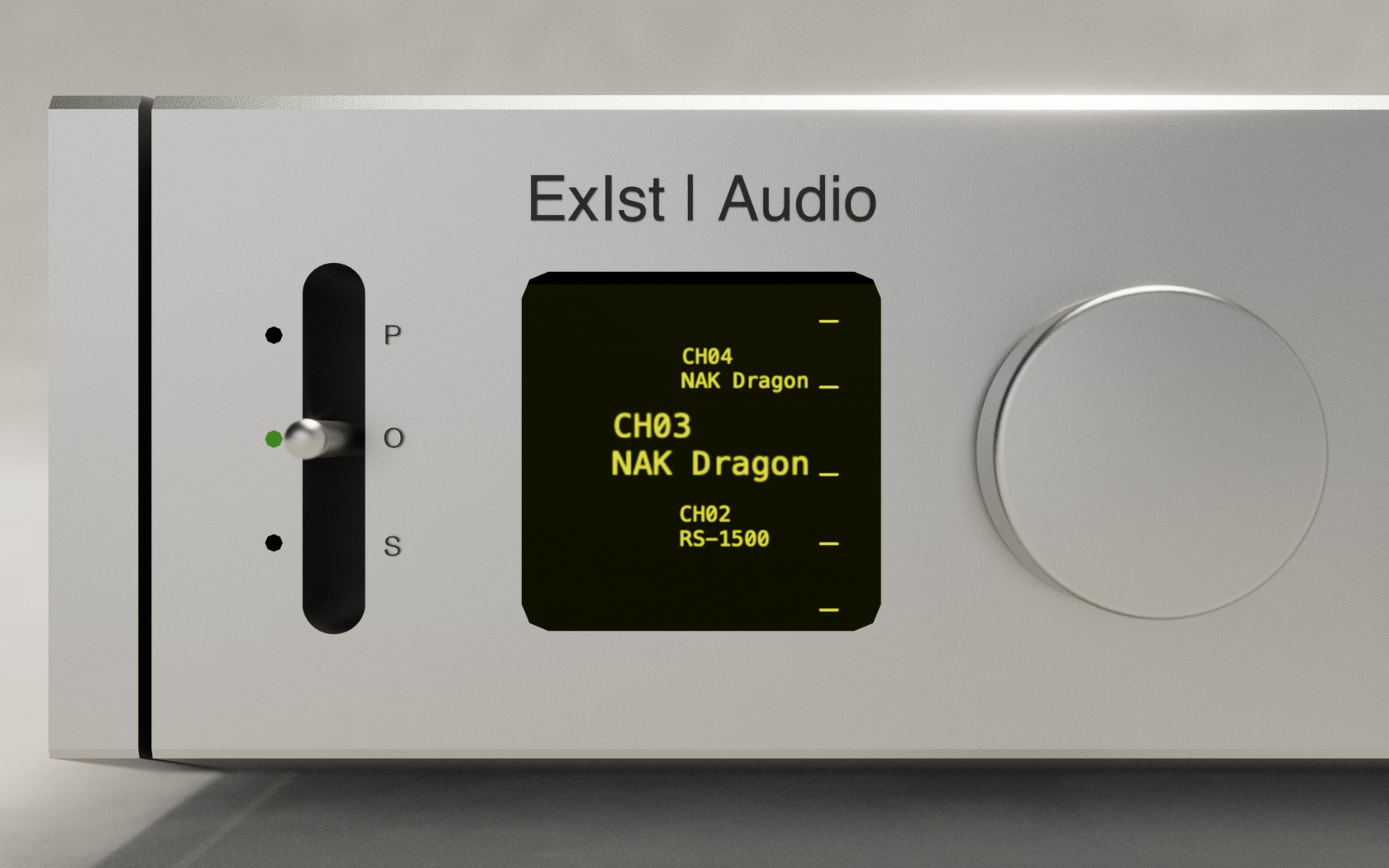
With the compact 1.3" display, the MC09 follows a deliberate design philosophy: the device is for quick actions, the 09App is for deep configuration. The weighted rotary encoder is the primary interaction method, cycling through seven focused views. Push the knob from the Active Deck view to open the Quick-Action Menu for immediate transport control.

V1 · Active Deck

Deck name, harness profile, transport state, tape counter. Turn to cycle decks 1–9. Push to open Quick-Action Menu.

V2 · VU Levels

Live left/right VU numerical readout with peak indicator. Read-only status view.

V2b · VU + Peak

Dual metering: VU reference bars (dimmer) + Peak bars (brighter, colour-zoned). Long-press to reset peak hold.

V3 · Tone Gen Status

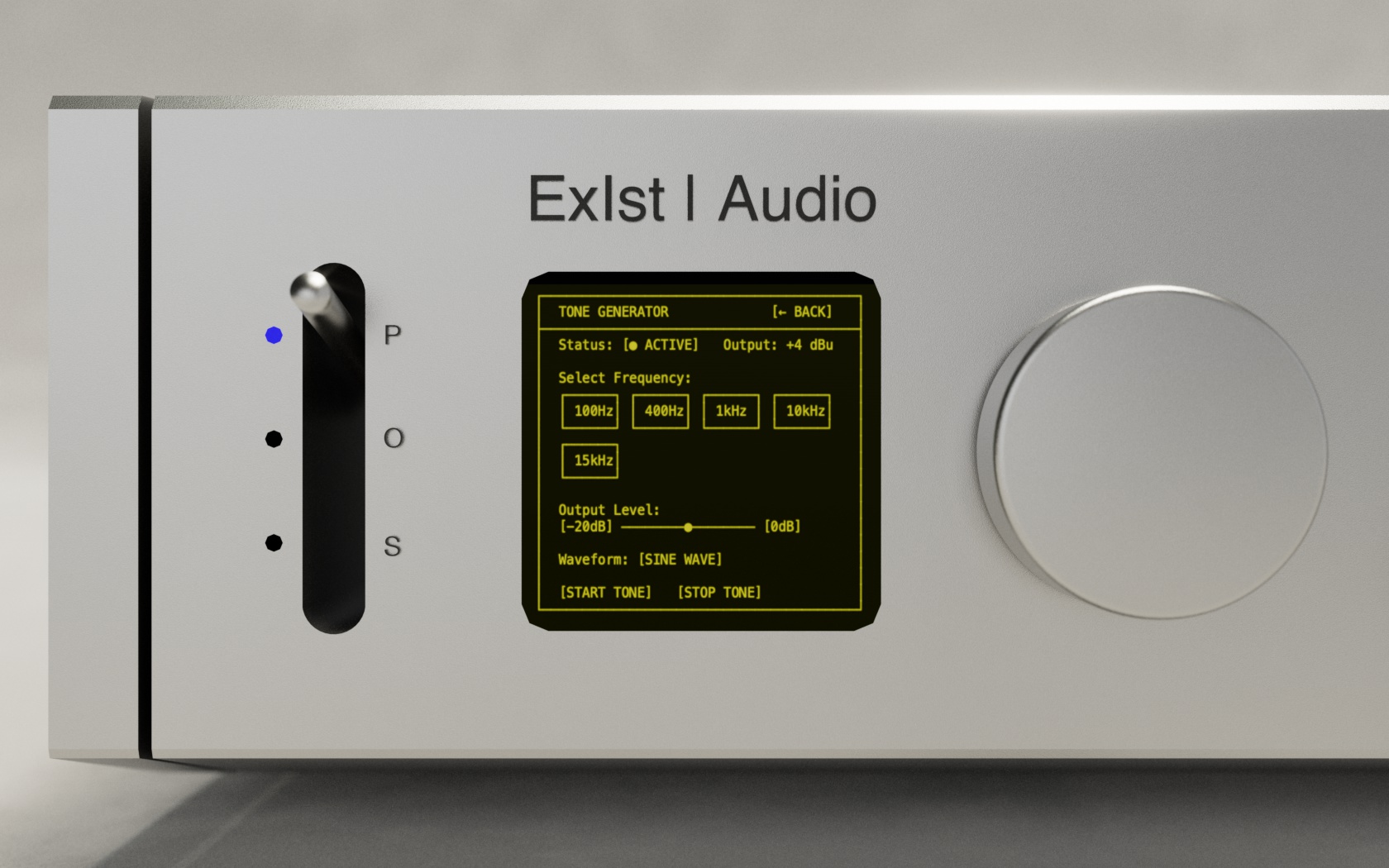
Current frequency, level and routing (read-only). Push to toggle tone on/off.

V4 · Network Status

IP address, connected apps count, TS09 binding state, and power status.

V5 · Pod Summary

List of paired pods with battery percentage. Turn to scroll. Push to enter find-my-pod mode.

V6 · Spectrum

20-band spectrum display with per-band peak hold. Colour-zoned, long-press to reset.

Configuration Lives in the 09App

Scene Editor · Port Configuration · Pod Management · IR Learn/Fire · Tone Generator setup · Spectrum configuration · System Settings · Firmware Update · Ecosystem Management — all accessible from the 09App, where a full-size screen makes complex workflows comfortable.

Standalone Mode

The Ultimate Universal Remote

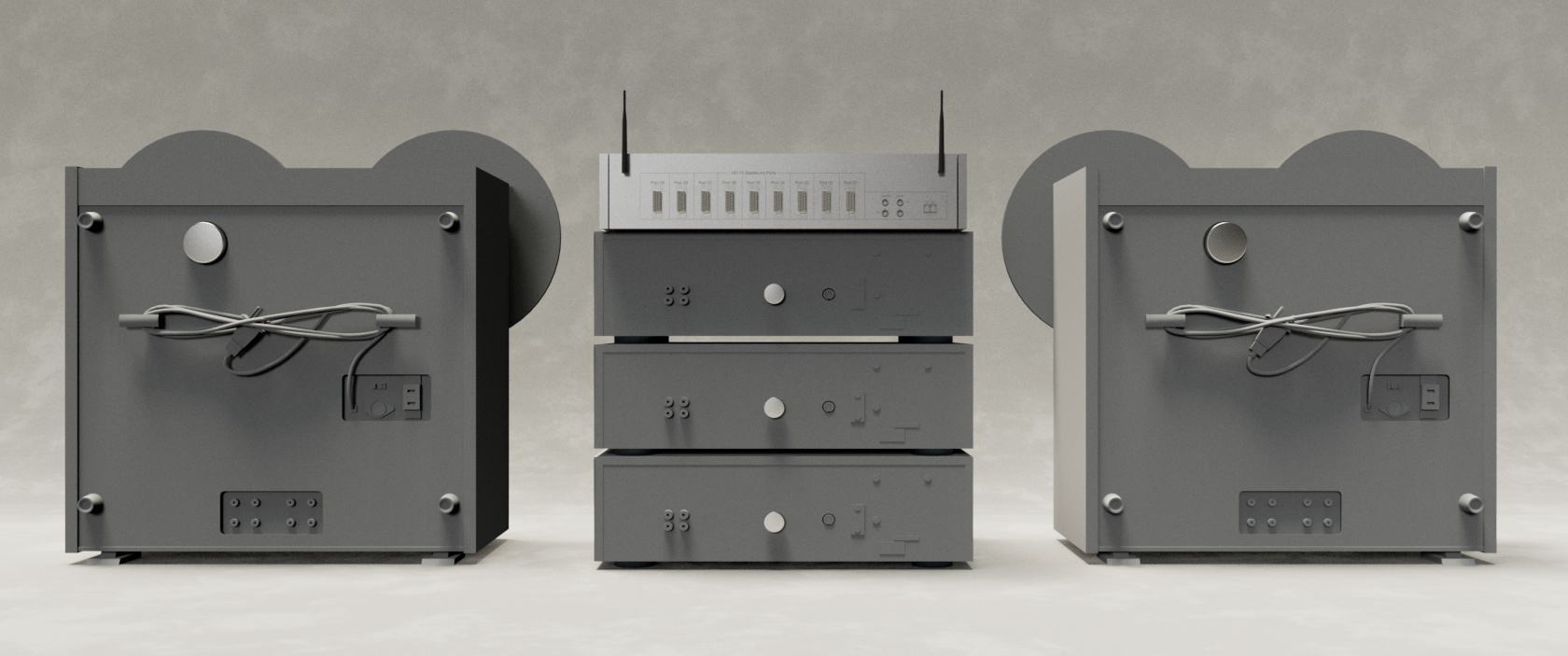
MC09 in Studio Environment MC09 Back Panel Connectivity

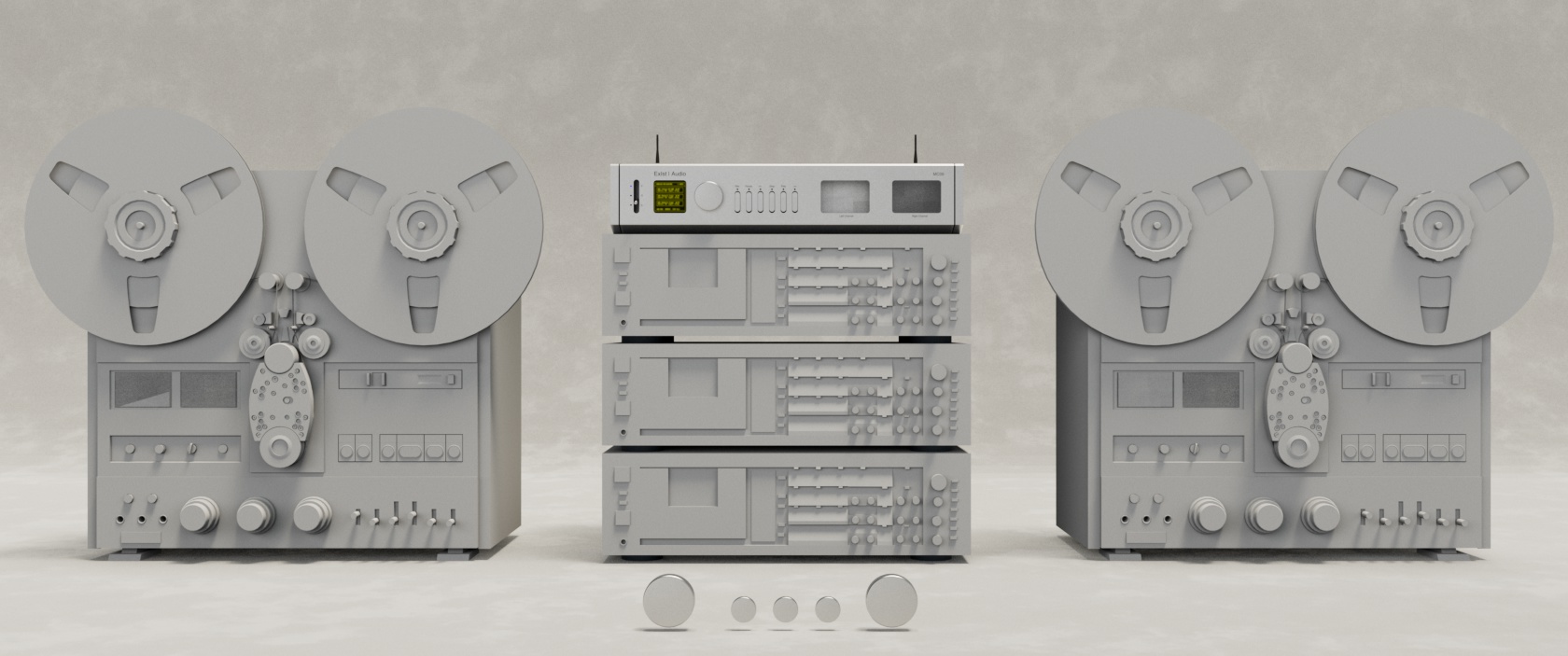
(Pods displayed are not the final design)

Key Features

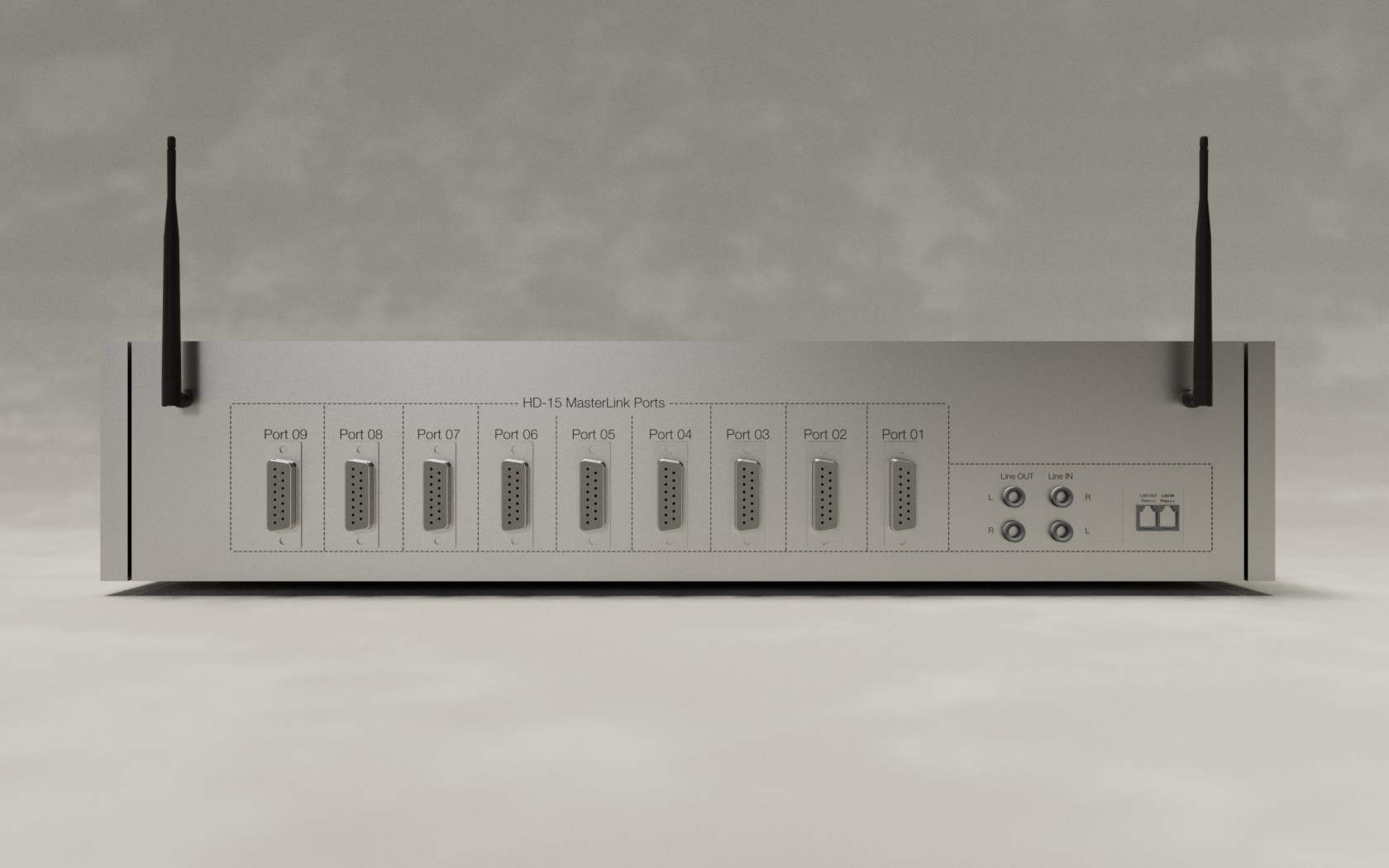
9 × HD-15 MasterLink™ Ports

Nine dedicated wired control ports, plus custom wireless and serial Pods for every deck. Universal compatibility, re-engineered for the modern studio.

Encrypted Wireless Pods

Up to 9× coin-cell powered wireless pods. 12–24 month battery life, managed via the 09App.

Precision Tone Generator

Studio-grade tape alignment without external gear. Generates switchable sine waves (100Hz, 400Hz, 1kHz, 10kHz, 15kHz) routed to the RCA Line-Out. Auto-shutoff after 10 minutes for safety.

RCA Monitoring I/O

2× RCA Line-In and 2× RCA Line-Out (L+R) for seamless amplifier patching and studio monitoring. Gold-plated panel-mount connectors.

Multi-Client Sync

Several people can control the same decks at once. Every command is instantly synced to all devices, with clear attribution of its source.

Safe Over-the-Air Updates

Firmware updates download and install safely over the network, with automatic rollback if anything goes wrong.

Secure Local Pairing

Hold the rotary knob 3 seconds → a 6-character code appears on the 1.3" display → enter it in the 09App. No cloud, no account, no tracking.

Bespoke Tactile Controls

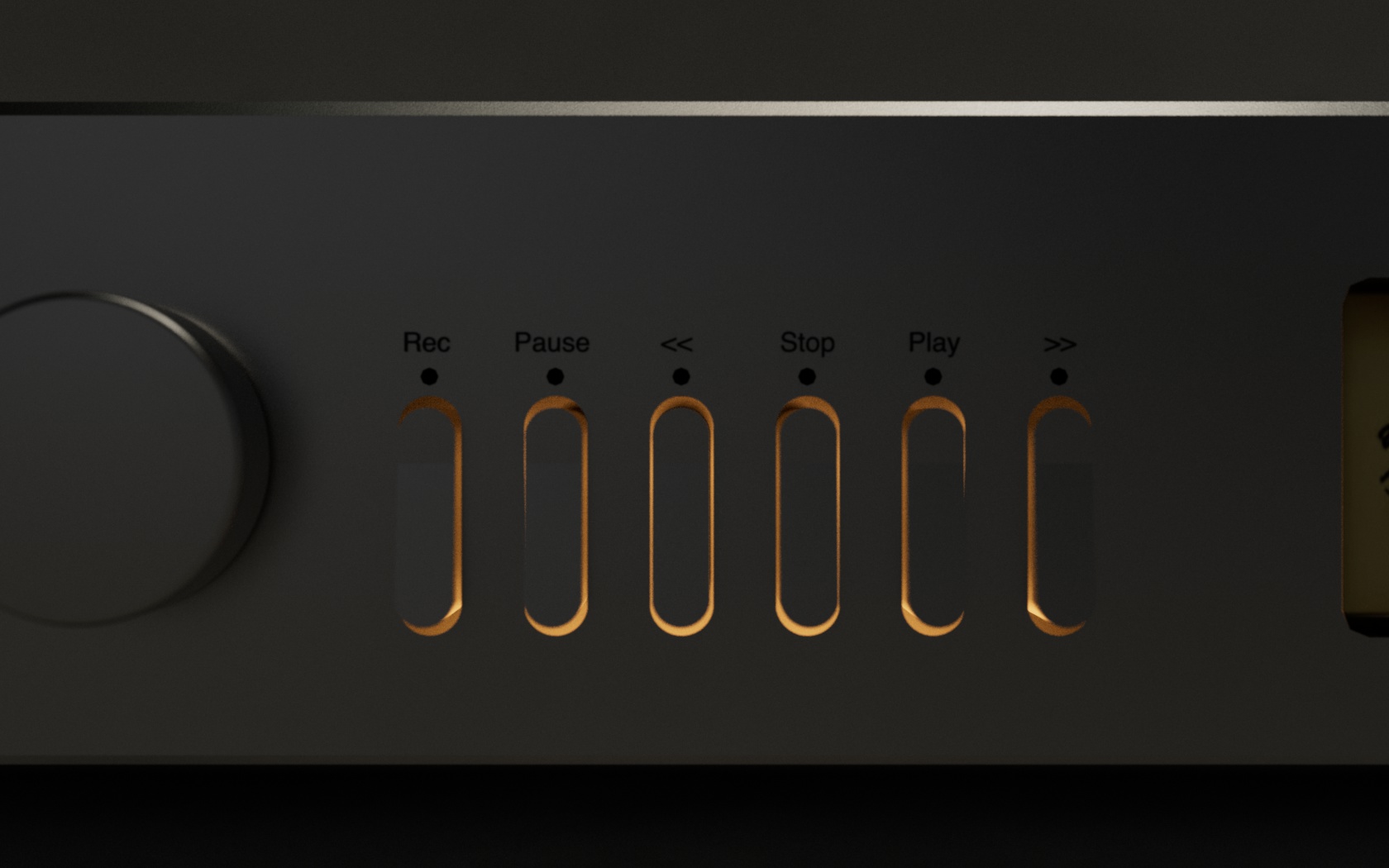
A heavy 3-position power lever, a CNC-machined weighted rotary selector with push-to-confirm, and six premium soft-touch transport buttons with diffused LED illumination.

MC09 Front MC09 Back
Ambient Lighting

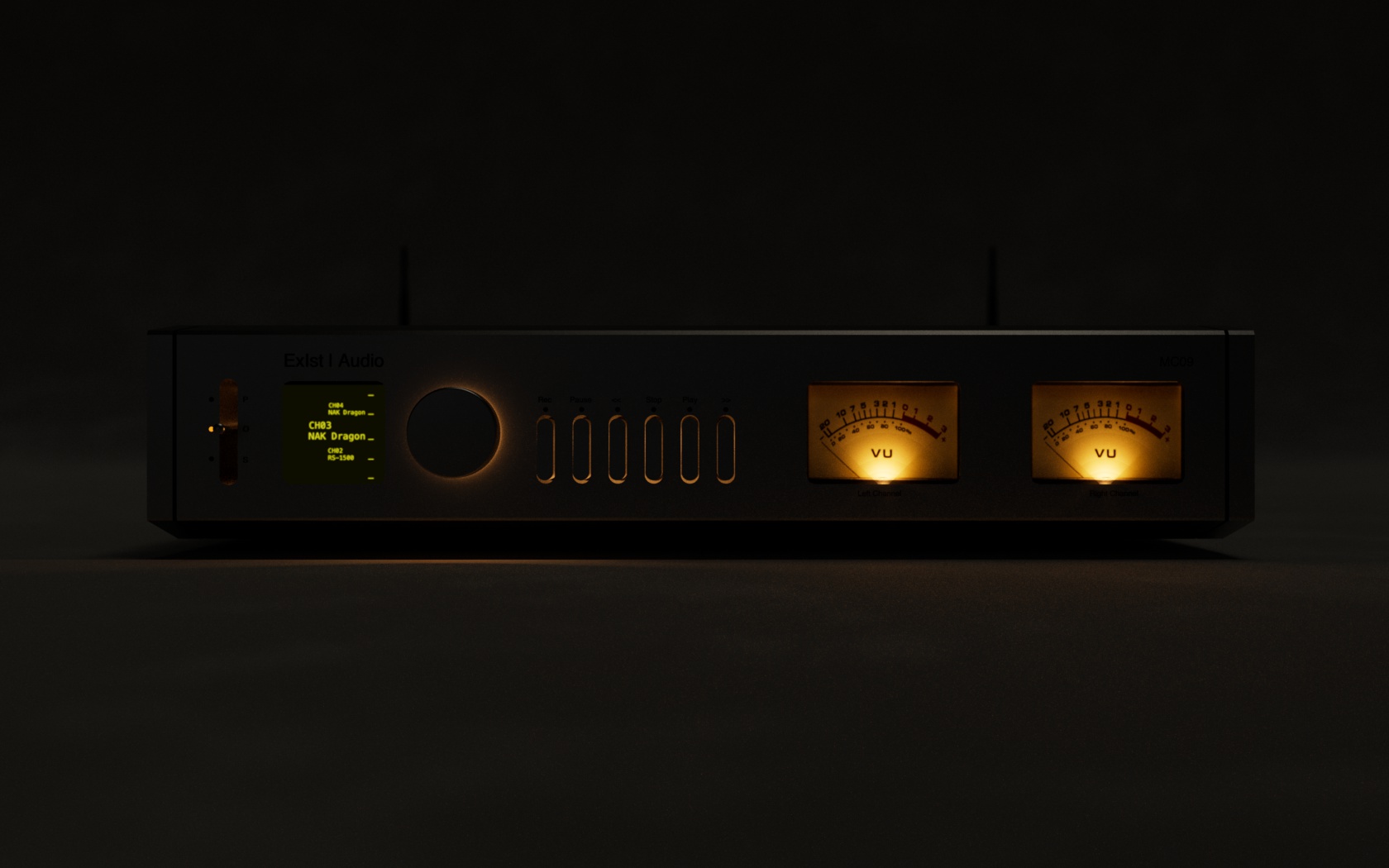
Night Mode · Ambient Lighting

Five controllable zones of warm ambient lighting, machined into the faceplate and light-sealed at every joint. A studio instrument that looks as considered in the dark as it does in the light.

MC09 Day Mode MC09 Night Mode · Warm Ambient Lighting

Z1 · Rotary Halo

A soft ring of light machined into the faceplate around the weighted knob, with no visible hot-spots. Decorative, non-semantic — never mimics a running indicator.

Z2 · Power Lever

A warm wash of light behind the 3-position power lever, contained so it never bleeds into adjacent zones.

Z3 · Transport Housing

Indirect wash around the six soft-touch transport buttons. Functional LED colours (green play, red rec, amber stop) remain fully visible above the warm glow.

Z4 · VU Meter Backlight

A warm backlight behind both analog VU meters, keeping the dials readable without glare.

Z5 · LCD Legibility

Independent display brightness that always stays legible, regardless of your ambient setting.

Construction

Machined, light-sealed at every joint and carefully thermally isolated, so the glow stays clean and stable — zone by zone.

🛡 Safety Visibility Floor

When any channel enters Record, the REC indicator always stays visible — no matter how low you set Night Mode or your master dimmer. Your tapes are safe, even in a pitch-black studio.

Triple Metering

Triple Metering. One Reference.

The MC09 and TS09 collaborate to deliver the triple metering reference that professional studios demand. Analog VU needles show perceived loudness with classic needle ballistics. Digital peak bars on the 1.3" display and the 09App capture instantaneous transients with a configurable peak hold. A 20-band spectrum analyzer delivers frequency-domain insight. All three references, one unified ecosystem.

Analog VU Needles

Two square analog VU meters with a classic scale, warm-backlit. They follow perceived loudness, driven by the TS09.

Digital Peak Bars

On the 1.3" display, colour-zoned: green (safe), gold (warning), red (danger). Peak hold with a configurable duration. Long-press to reset.

20-Band Spectrum

A 20-band spectrum display on the 1.3" screen and in the 09App's full-size analyzer. Per-band peak hold with configurable decay.

Pluggable Ballistics Engine

The TS09 computes all three metering types in parallel, so each stays smooth and independent. Future firmware can add new metering types without hardware changes.

Unified Event

All three references are delivered together and perfectly time-aligned, so VU, Peak and Spectrum always agree.

60fps Client Interpolation

The 09App smoothly interpolates the metering to a buttery 60fps animation. No stutter, no visible gaps.

Calibration & Analysis

Studio-Grade Audio Analyzer

MC09 Calibration Mode

The built-in Precision Tone Generator and analyzer suite turn the MC09 into a complete tape alignment station. Generate reference signals, measure distortion, analyse frequency response and calibrate azimuth, bias and level — without external test gear.

Signal Generation

Precision Tone Generator

21 standard sine wave frequencies plus one fully customizable user-defined frequency, for azimuth alignment and bias calibration.

Noise & Waveform Generator

White noise, Pink noise and 1kHz square wave outputs for comprehensive testing and frequency response analysis.

Precision Level Control

A precise, calibrated output level across a wide dynamic range, with an optional physical attenuator for extended reach.

Frequency Doubler

A frequency doubler extends the test signal range for ultra-high-frequency analysis.

Measurement & Analysis

AC Voltmeter

A precision AC voltmeter with multiple ranges and an attenuator, covering the full audio band. Calibrate it against your reference meter.

Distortion Analyzer

Measures harmonic distortion (THD+N) across multiple ranges for signal-integrity checks.

Signal/Noise Ratio

Measures noise floor with selectable weighting for accurate signal-to-noise analysis.

Frequency Response

Sweeps the full audio band (and beyond) with white/pink noise and auto-trace to map response.

Advanced Analysis

Speed & Wow/Flutter

Measures tape speed stability and wow/flutter with multiple weighting methods, plus a spectrum display with periodicity estimation.

Lissajous Display

Classic ellipse figure with time stabilizer for precise stereo phase and balance analysis.

Dual-Channel Oscilloscope

Two-channel, non-quantitative waveform inspection for real-time signal verification.

Meter Ballistics

Industry-standard RMS and peak meter response for accurate level monitoring.

The Calibration Workflow

01

Connect via TS09 or the RCA I/O

For example, select your Technics RS-1500 on Port 02.

02

Select Test Signal & Level

Open the Calibration screen in the 09App. Choose a sine frequency, noise type or square wave, then set the output level.

03

Run Measurements

Activate the AC voltmeter, distortion analyzer or frequency response sweep. Watch live readings on the 09App or analog VU meters. Tone output auto-shuts off after 10 minutes.

04

Calibrate with Precision

Use Lissajous for phase alignment, the oscilloscope for waveform verification, or Wow & Flutter for speed stability. The spectrum analyzer confirms frequency response. Measurements are logged and available through the ecosystem.

Interested in the MC09?

View Finishes Submit an Inquiry